Pic Sync for Dropbox4.5
Publisher Description
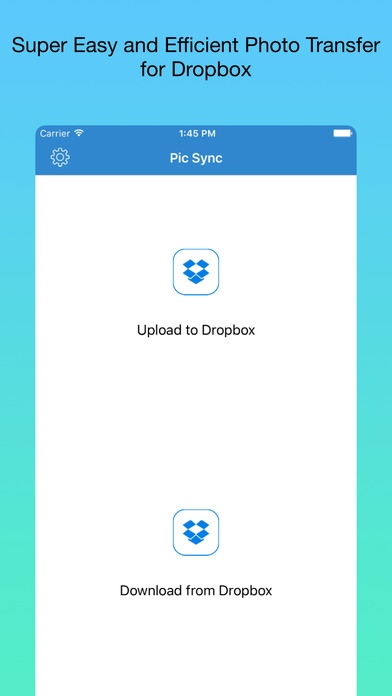
Pic Sync for Dropbox is the best photo and video sync tool for your Dropbox. You can upload hundreds of photos and videos from your iPhone, at any size, to any Dropbox folder within just a few minutes. You can also download hundreds of photos and videos from any Dropbox to your iPhone.
Upload multiple photos and videos from your iPhone to your Dropbox folder at high performance
Download multiple photos and videos from your Dropbox folder to iPhone at high performance
Choose hundreds of photos and videos just in 2 secs with our intelligent photo picker
Change photo size at your choice - You don't need transfer photos in the full resolution!
Concurrent upload and download of multiple photos - high performance
Create new folders instantly
Preserves EXIF data - no information loss
Background upload and download - even when you close the app
Requires iOS 9.1 or later. Compatible with iPhone, iPad, and iPod touch.
About Pic Sync for Dropbox
The company that develops Pic Sync for Dropbox is MobiLab Co., Ltd.. The latest version released by its developer is 4.5.
To install Pic Sync for Dropbox on your iOS device, just click the green Continue To App button above to start the installation process. The app is listed on our website since 2011-07-08 and was downloaded 8 times. We have already checked if the download link is safe, however for your own protection we recommend that you scan the downloaded app with your antivirus. Your antivirus may detect the Pic Sync for Dropbox as malware if the download link is broken.
How to install Pic Sync for Dropbox on your iOS device:
- Click on the Continue To App button on our website. This will redirect you to the App Store.
- Once the Pic Sync for Dropbox is shown in the iTunes listing of your iOS device, you can start its download and installation. Tap on the GET button to the right of the app to start downloading it.
- If you are not logged-in the iOS appstore app, you'll be prompted for your your Apple ID and/or password.
- After Pic Sync for Dropbox is downloaded, you'll see an INSTALL button to the right. Tap on it to start the actual installation of the iOS app.
- Once installation is finished you can tap on the OPEN button to start it. Its icon will also be added to your device home screen.
